
Restaurant Pistache
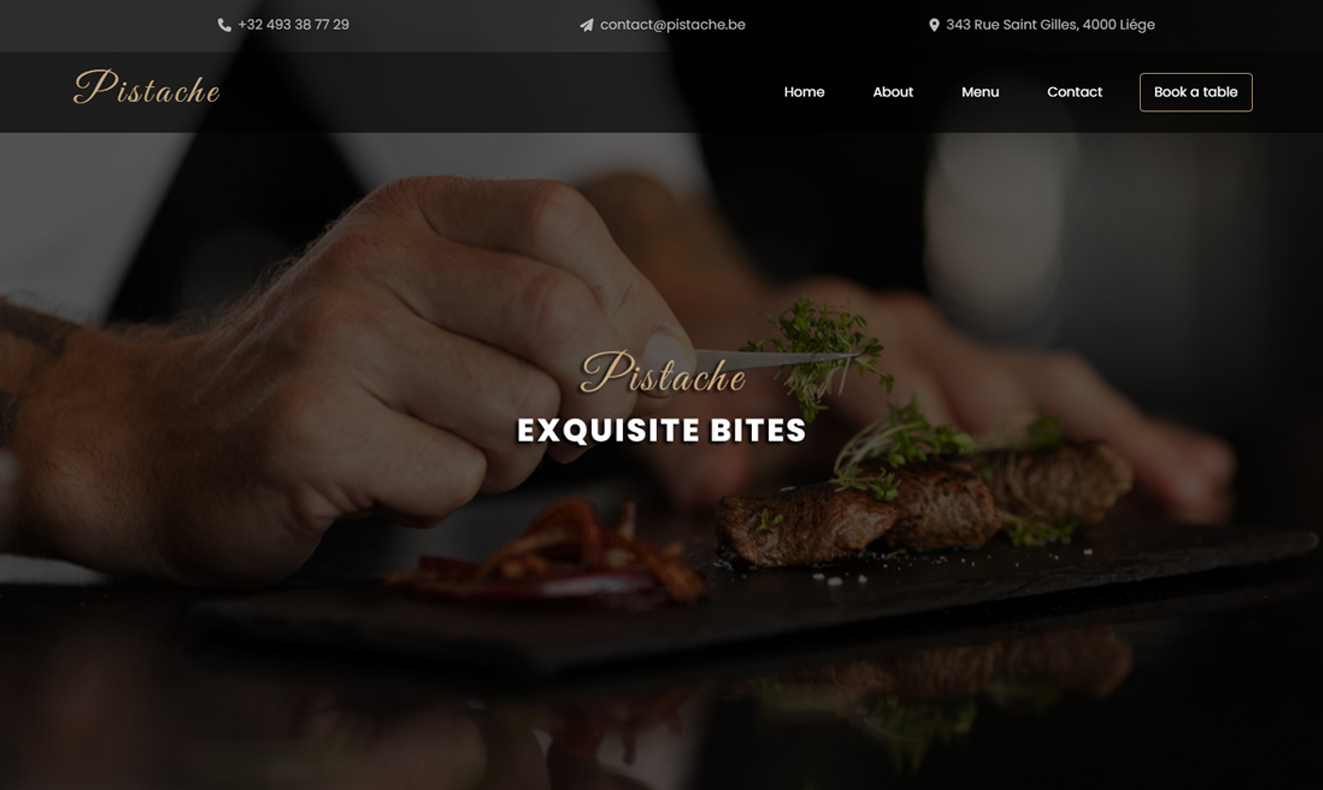
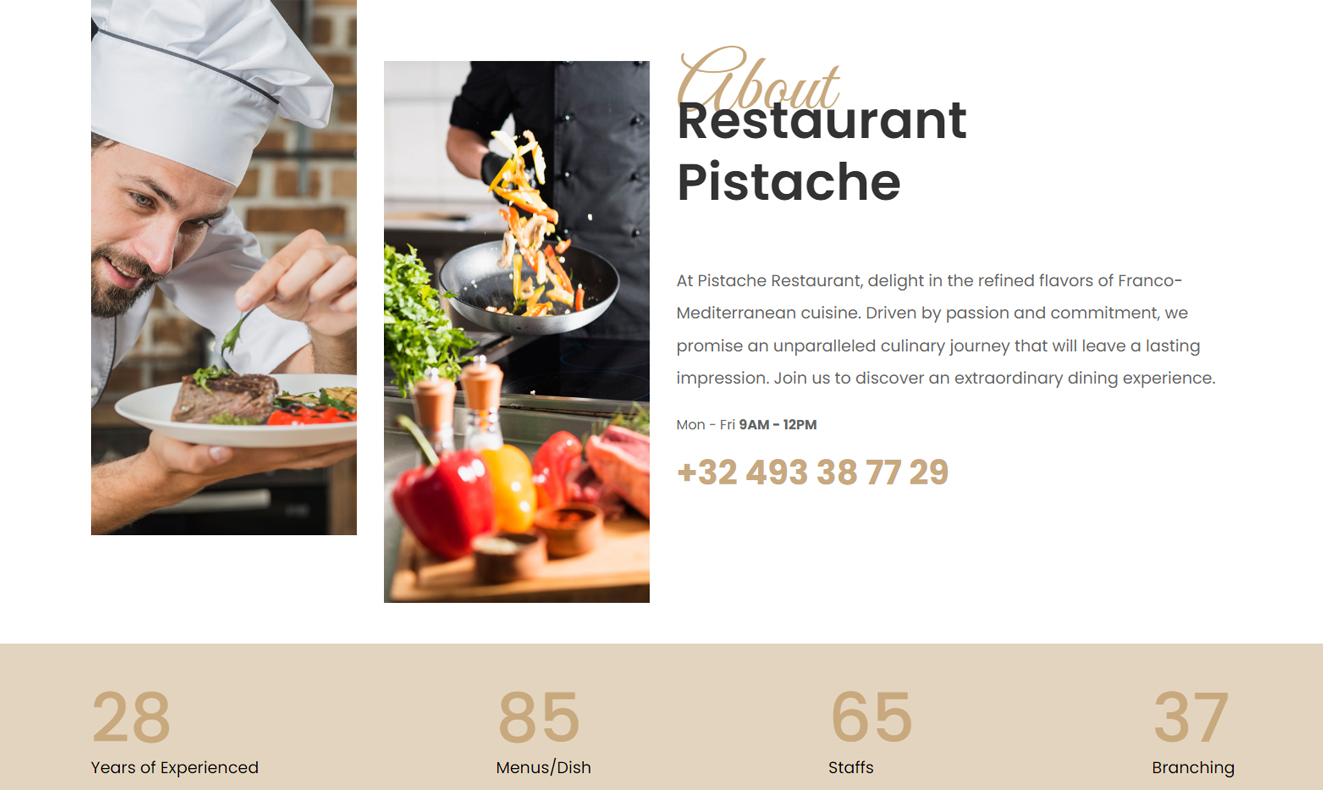
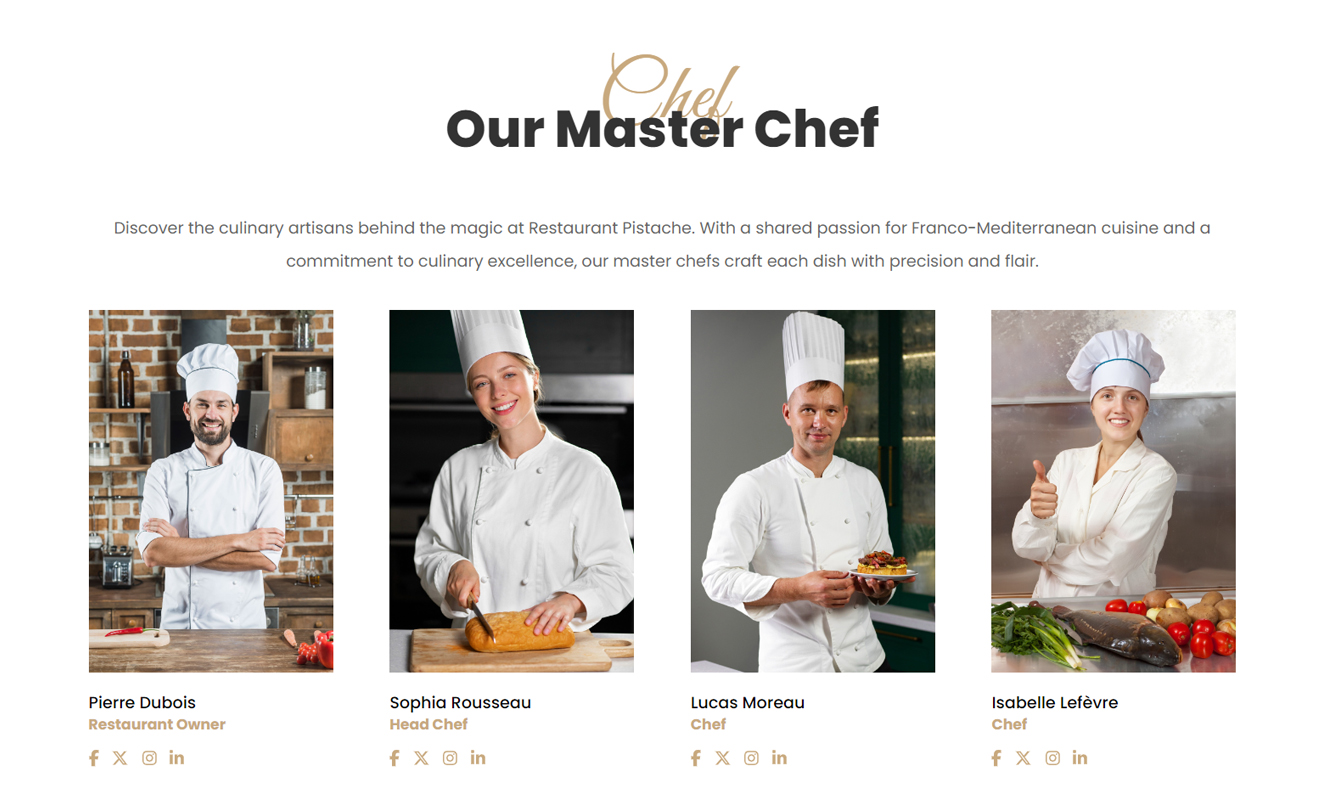
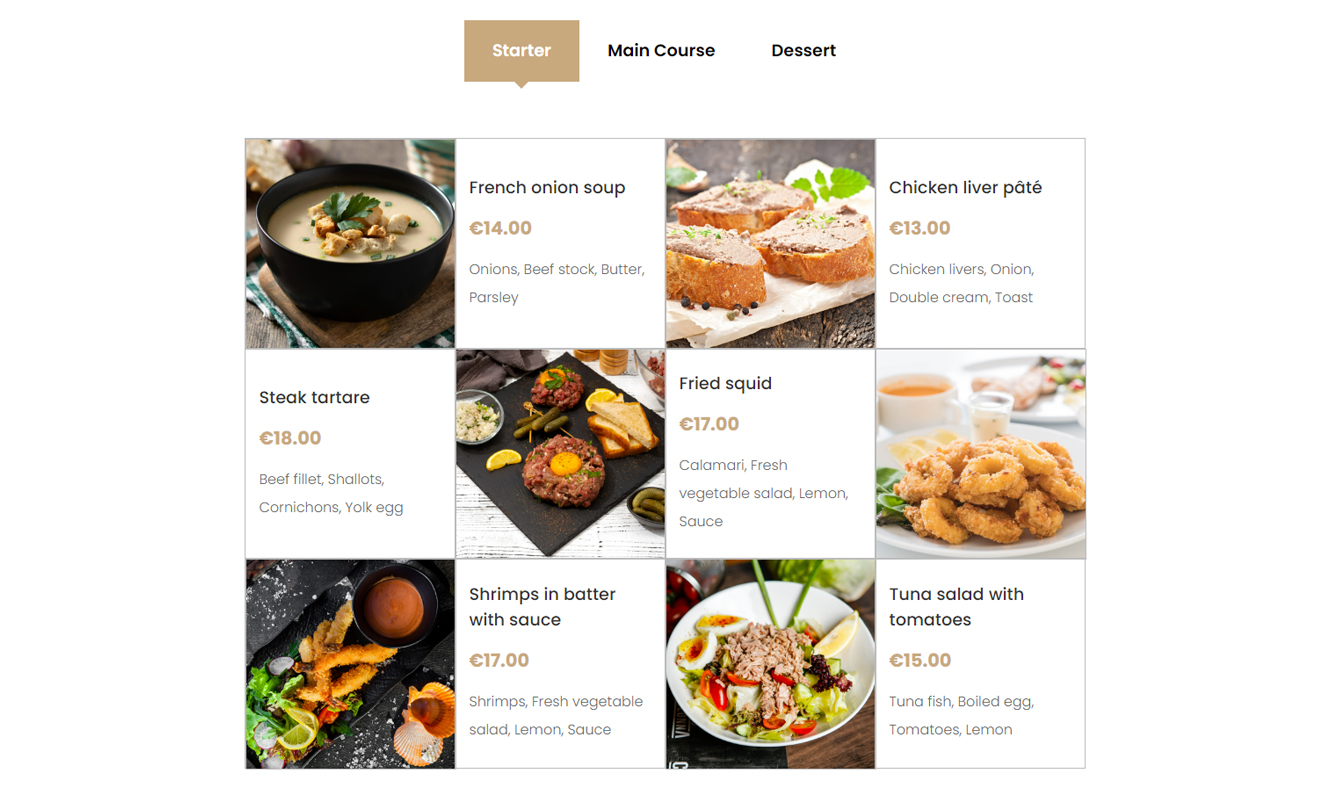
Restaurant Pistache is a responsive restaurant website project designed and developed to present the restaurant, menu, reservations and contact information in a clear and user-friendly way. The project combines visual direction, UI layout, frontend integration and basic backend functionality.
The website includes public pages for visitors and an admin panel for managing menu items, reservations and customer messages. It was built with HTML5, CSS3, SCSS, JavaScript, PHP and MySQL, with a Figma prototype used to plan the interface and user flow.
Technologies & Tools Used
Design Tools

Created the logo and visual identity elements.

Prepared and adjusted visual assets.

Planned the layout, prototype and user flow.
Frontend & Backend



Structured and styled the responsive interface.

Added interactive behaviours and dynamic elements.

Implemented backend functionality for the admin panel.

Managed menu, reservation and contact data.
Explore the Restaurant Pistache website through the live preview. You can view the public pages, test the responsive layout and access the demo admin panel.
To explore the admin panel, use the following demo credentials:
Access Instructions:
Username: guest@mail.com
Password: 1234
View the full codebase on GitHub to explore the project structure, frontend implementation, PHP functionality and MySQL database logic.
Display Design on Figma
Explore the design process behind Restaurant Pistache by viewing the Figma prototype.
Design Process
To build Restaurant Pistache, I combined visual design, UI prototyping and web development. The goal was to create a clear restaurant website with practical management features.
Logo & Visual Direction
Created the logo and visual direction with Adobe Illustrator, focusing on a fresh and recognizable identity for the restaurant.
Prototype & UI Layout
Used Figma to plan the page structure, user interface and navigation before implementation.
Visual Assets
Prepared and adjusted visual assets with Adobe Photoshop to support the overall look and feel of the website.
Frontend & Backend Implementation
Implemented the website with HTML5, CSS3, SCSS, JavaScript, PHP and MySQL, including responsive pages and dynamic backend features.
Features
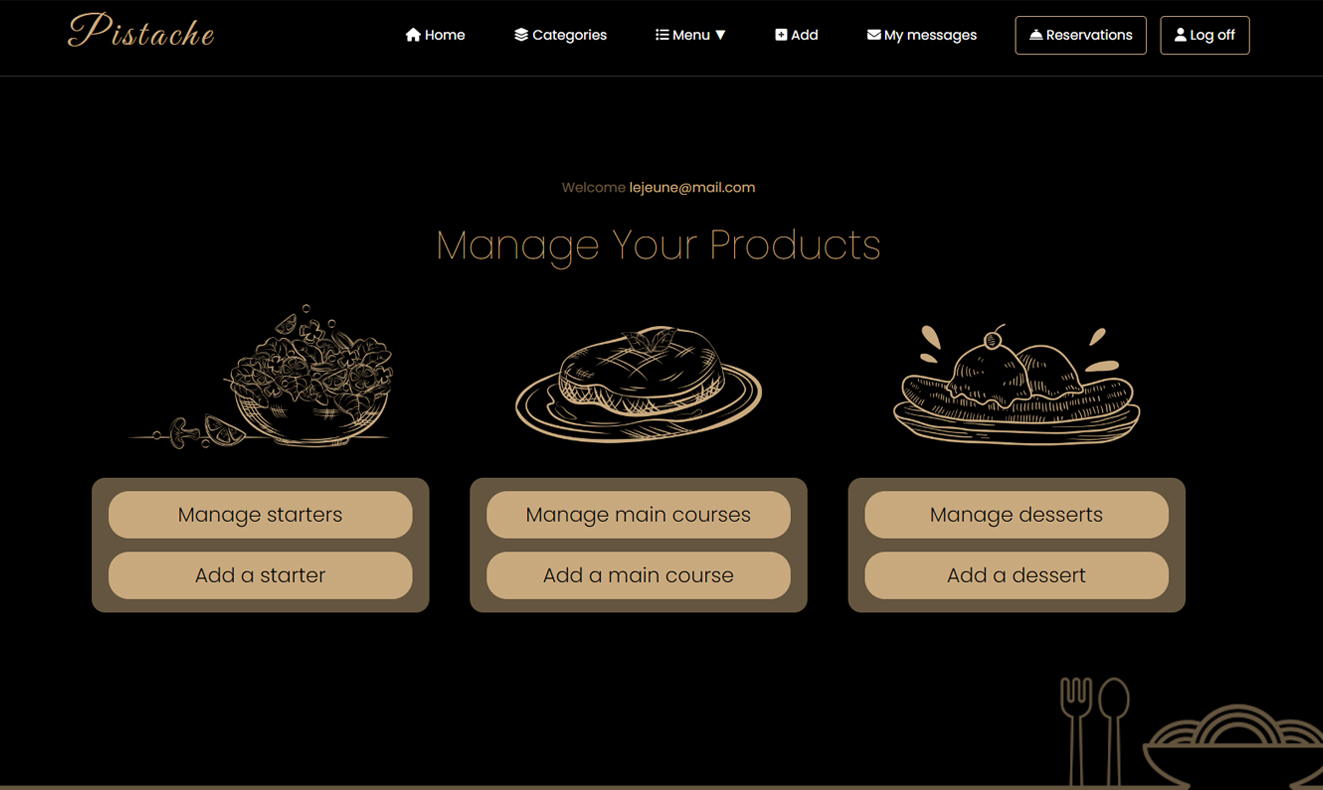
Restaurant Pistache includes practical features for both visitors and administrators: menu presentation, reservation handling, contact message management and a responsive interface across devices.
Admin Panel
The admin panel allows menu items to be added, edited, displayed or deleted, including starters, main courses and desserts.
Reservation Management
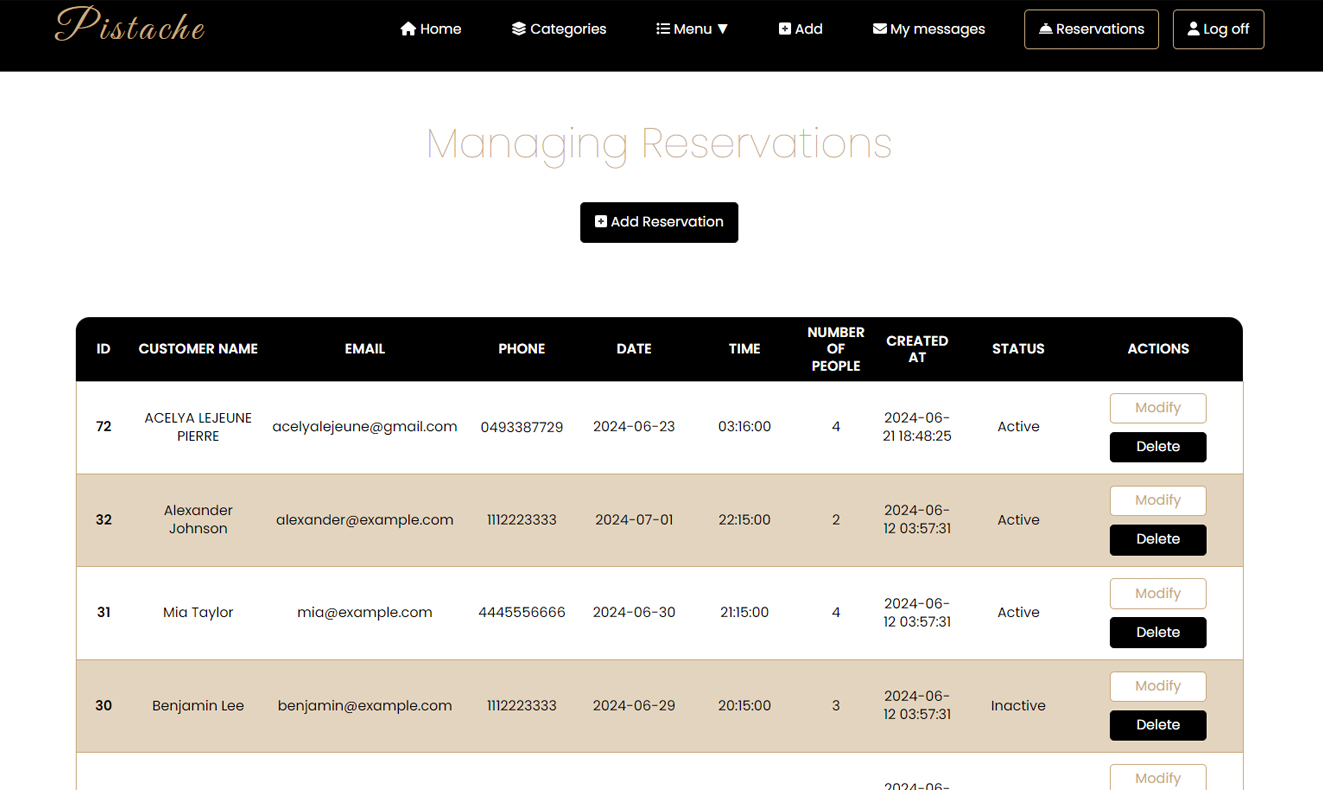
Administrators can view, modify, delete or add reservations, making it easier to manage booking requests.
Responsive Interface
The website adapts to desktop, tablet and mobile screens to provide a consistent browsing experience.
Contact Message Management
Messages sent through the contact form can be viewed and deleted from the admin panel, helping manage customer communication.